Three things to settle first.
Decide whether the main goal is programming, mechanical assembly or both. A kit offers building opportunities but also needs setup and parts management.
Confirm current app and operating-system support on the actual managed tablets or computers. Check the school network and access policies before purchasing.
Single robots, classroom sets and expansion bundles can have different contents. Ask for an itemised list, including charging and learning materials.
Two models. Different considerations.
Choose around the learning activity: programming a rolling, enclosed robot or assembling and extending a wheeled kit. Confirm the school device fleet, accessibility needs and required software before purchasing.
Sphero BOLT+
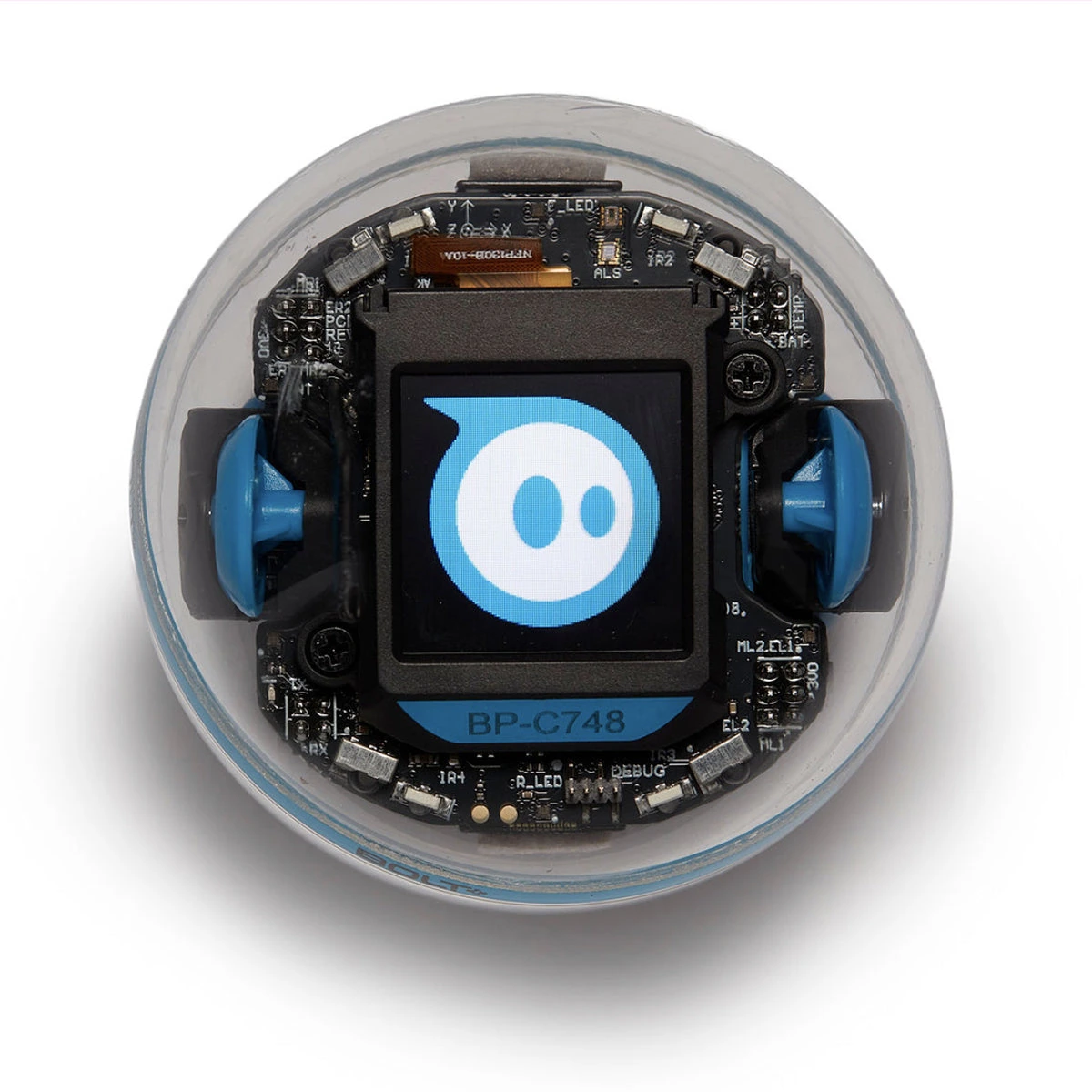
Manufacturer global product and support pages; confirm your regional bundle
Consider BOLT+ for rolling-robot coding, animation and sensor activities where an enclosed format suits the lesson. Confirm the current app and learning-material requirements.
Manufacturer detailsNot verified locally. Check the exact model and regional supply before purchase.
Makeblock mBot2 / mBot Neo
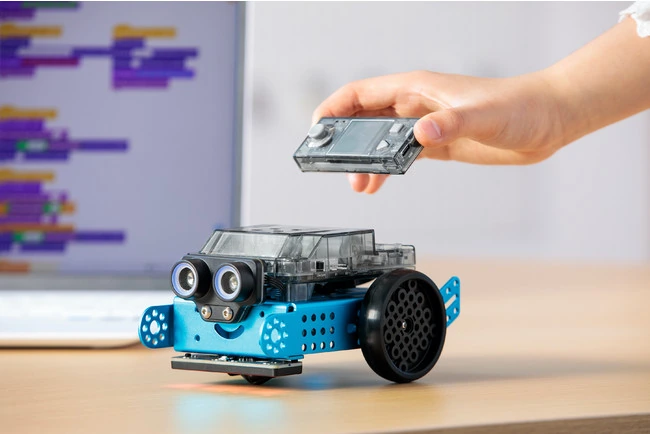
Manufacturer global product and support pages; confirm your regional bundle
Consider mBot2 for lessons that include assembly, a wheeled chassis and expandable components. Confirm the selected package and which sensors are included.
Manufacturer detailsNot verified locally. Check the exact model and regional supply before purchase.
Compare the published details.
These facts are drawn from the manufacturer sources below. They are examples to help you ask better questions, not a complete market ranking.
| What to compare | Sphero BOLT+ | Makeblock mBot2 / mBot Neo |
|---|---|---|
| Format | Enclosed programmable robotic ball | Wheeled aluminum-alloy robot kit requiring assembly |
| Coding progression | Draw, blocks and text; current product page lists JavaScript and Python | Scratch-like blocks and Python in mBlock |
| Display / controller | 128 × 128 pixel programmable LCD | CyberPi main control board |
| Learning inputs | Programmable sensors and live sensor-data display | Ultrasonic Sensor 2 and Quad RGB sensor |
| Published runtime | All-day classroom use is claimed; no standardized numeric duration supplied in these sources | Approximately 5 hours playtime claimed; 2,500 mAh battery |
| Charging | Qi wireless charging | USB; about 1 hour stated by manufacturer |
| Learning resources | Sphero Edu programming and free educator resources via Sphero Central | Assembly, programming examples and component documentation in Makeblock support |
These are different learning formats. Published runtime claims do not use a shared test protocol. Neither model has been tested by this site.
What the numbers leave out.
Sphero’s “all-day classroom use” and Makeblock’s approximate five-hour playtime are different manufacturer claims, not comparable battery tests. A richer hardware list also does not establish a better learning outcome.
Sphero BOLT+: still to verify
- Continuous-motion runtime under a comparable test
- Compatibility with a specific managed school device
- Exact contents of a selected single-robot or classroom bundle
Makeblock mBot2 / mBot Neo: still to verify
- Runtime under a common continuous-motion test
- Compatibility with a specific managed school device
- Regional package contents and optional expansion modules
Budget for ownership, not just purchase.
Include enough charging capacity, compatible devices, replacement parts, storage and teacher preparation time. Confirm whether the learning materials you intend to use are included and whether any required services have separate terms.
Use the whole-cost checklist →
Before you choose
- Is the aim coding activities, mechanical assembly, or both?
- Will the required app work on your managed devices and school network?
- Which sensors and learning materials are included in the selected package?
Read the original sources.
Manufacturer claims can change. This page retains the exact model and source region rather than combining specifications from similarly named versions.
- BOLT+ coding robot — manufacturer product pageSphero BOLT+ · Checked 2026-10-28 · Page publication date not stated
- Sphero launches BOLT+ — manufacturer announcementSphero BOLT+ · Checked 2026-10-28 · Published 2024-06-18
- mBot2 — product specificationsMakeblock mBot2 / mBot Neo · Checked 2026-10-28 · Page publication date not stated
- A beginner's guide to mBot Neo/mBot2Makeblock mBot2 / mBot Neo · Checked 2026-10-28 · Published 2023-03-09